Dolphin Sigma
$2999 $2349 SALE Save $650
Temporarily out of stock


By feature
Top pick: Dolphin Sigma
$2349 today · Free shipping
WiFi lets you start, schedule and check on a robot from a phone. It does not empty the filter. Two Dolphins have it, and three do without.
The short answer
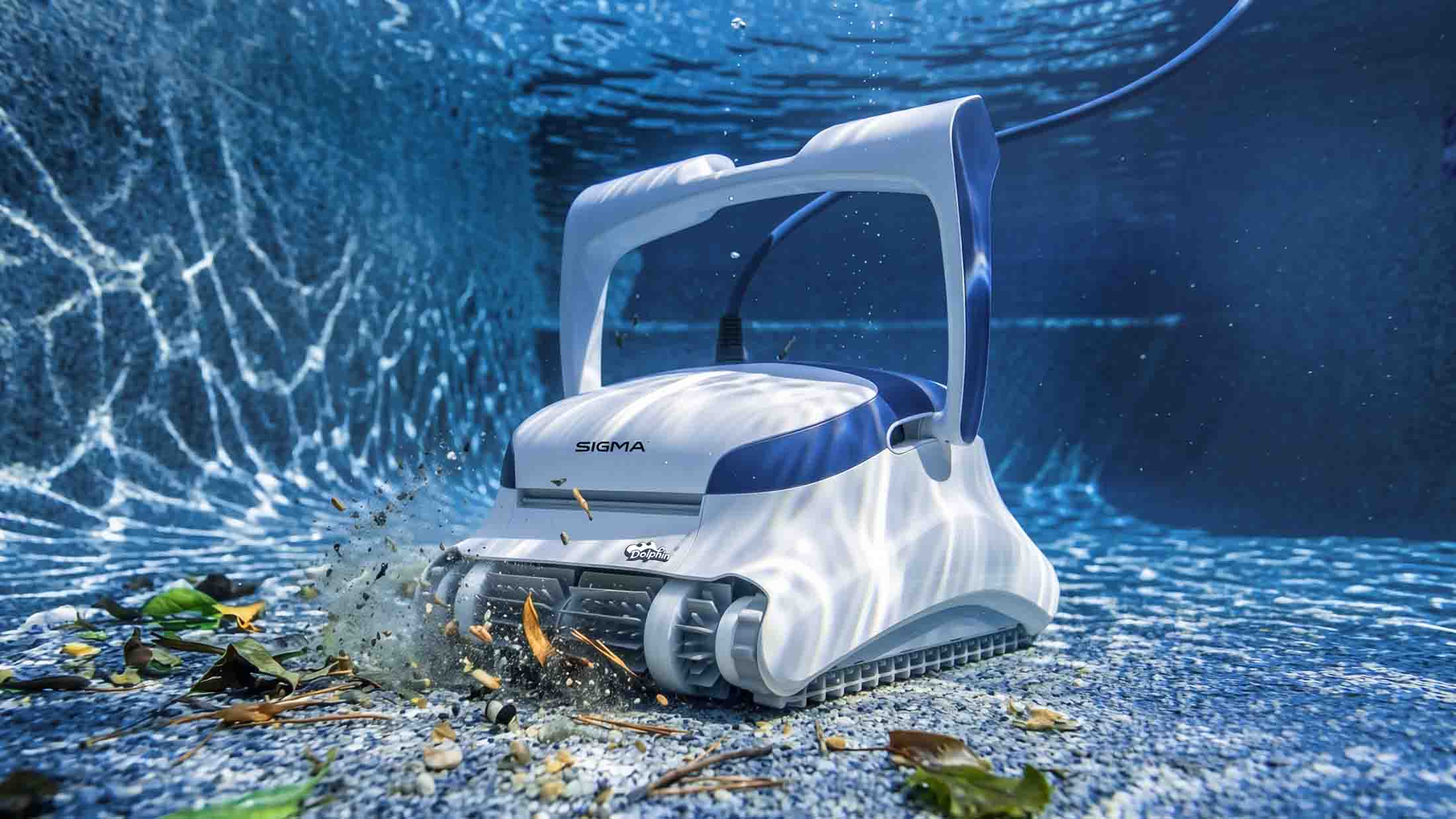
The Dolphin Sigma is the best robotic pool cleaner with WiFi in this guide. Its myDolphin Plus app connects over WiFi and Bluetooth, schedules by day and time, sends a filter alert and supports Siri voice control. The Dolphin Quantum is the lower-priced choice: the same app over WiFi for start, stop, scheduling, cleaning modes and alerts, plus a timer on the power supply.
A robotic pool cleaner with WiFi does the same cleaning as one without. What changes is who has to be standing at the power supply. With an app you can start a cycle from the couch or the office, move the schedule, and learn that the filter is full without walking outside. For some owners that is the whole reason to upgrade. For others it is a feature they set once and never open again.
This page also answers the search for the best robotic pool cleaner with app control, because on these robots the two arrive together. Of the five Dolphins compared here, the Sigma and the Quantum have an app. The other three do not: every control they have is on the power supply. So the honest shortlist is two robots long.
The ranking
$2999 $2349 SALE Save $650
Temporarily out of stock
Fullest connection: WiFi plus Bluetooth
The Sigma's connection is the most complete of any Dolphin compared here. myDolphin Plus reaches it over WiFi when you are away from the pool and over Bluetooth when you are beside it, so a weak signal at the equipment pad does not lock you out. The weekly scheduler sets cycles by day and time. A filter alert arrives in the app when the cartridges need rinsing, and Siri voice control is supported.
The app sits on top of the strongest hardware in this guide: three commercial-grade ProLine motors, quad scrubbing brushes, SmartNav 3.0 with an onboard gyroscope, NanoFilters and a 3-year warranty. You are not paying for software alone.

$1799 $1599 SALE Save $200
Temporarily out of stock
App control at a middle price
The Quantum runs the same myDolphin Plus app over WiFi: start, stop, schedule, cleaning modes and alerts. For most of what people do with a pool robot app, that list is complete. It is the lowest-priced robot in this guide with any wireless control; check the live price on the card.
It also keeps a weekly timer on the power supply, with every day, every 2 days and every 3 days as presets, so the pool stays on a rhythm when the phone is not around. The robot itself cleans floor, walls, waterline, sun shelves, Baja ledges and stairs in 2-hour cycles, with an XXL MaxBin basket and NanoFilter panels included.
The criteria
Start and stop are the basics. Scheduling, cleaning modes and alerts are where apps differ. Read the list for the robot you are buying, not for apps in general, and be clear about which features you would use every week.
WiFi works through your home network, from anywhere your phone has a connection. Bluetooth is a direct, short-range link for use at the pool. The Sigma has both. The Quantum's app runs over WiFi.
The power supply is the part that connects, not the robot under water. It sits outdoors, set back from the pool, often at the far end of the yard from the router. If the WiFi does not reach that spot, the app features do not either.
Phones get lost, apps get signed out, and guests or house-sitters do not have your account. The Quantum's power supply carries a weekly timer that works without the app. Ask what any connected robot does when the phone is not there.
On paper
| Specification | Dolphin Sigma | Dolphin Quantum |
|---|---|---|
| Price today | $2349 | $1599 |
| Cleans | Floor, walls and waterline | Floor, walls, waterline, sun shelves and stairs |
| Scheduling | Weekly scheduler by day and time | Weekly timer: every day, every 2 days or every 3 days |
| App | myDolphin Plus (Wi-Fi and Bluetooth) | myDolphin Plus (Wi-Fi) |
| Filtration | NanoFilters and standard filter cartridges | XXL MaxBin basket with standard and NanoFilter panels |
| Brushes | Quad scrubbing brushes | Dual HyperBrush |
| Navigation | SmartNav 3.0 with gyroscope | SmartNav 2.0 |
| Cable | 55 ft with 360° anti-tangle swivel | 55 ft with anti-tangle swivel |
| Warranty | 3 years | 2 years |
Both robots use myDolphin Plus, and the lists below come from each robot's published features. Anything not listed, we do not claim.
The difference you will notice day to day is the second connection. With Bluetooth, the Sigma can be set up and controlled at the poolside even where the house WiFi fades.
Check before you buy. An app is only as good as the signal where the power supply sits. The power supply plugs into an outdoor outlet and stays back from the water by the distance the manual gives. That spot, not the pool and not the patio door, is where the signal has to be usable.
Stand there with your phone on the home network and load a web page. If it crawls or drops, plan for a mesh node or an extender nearer the yard, or choose the Sigma and use Bluetooth at the pool. The manual also states which kind of network the power supply joins, so read that section before set-up day.
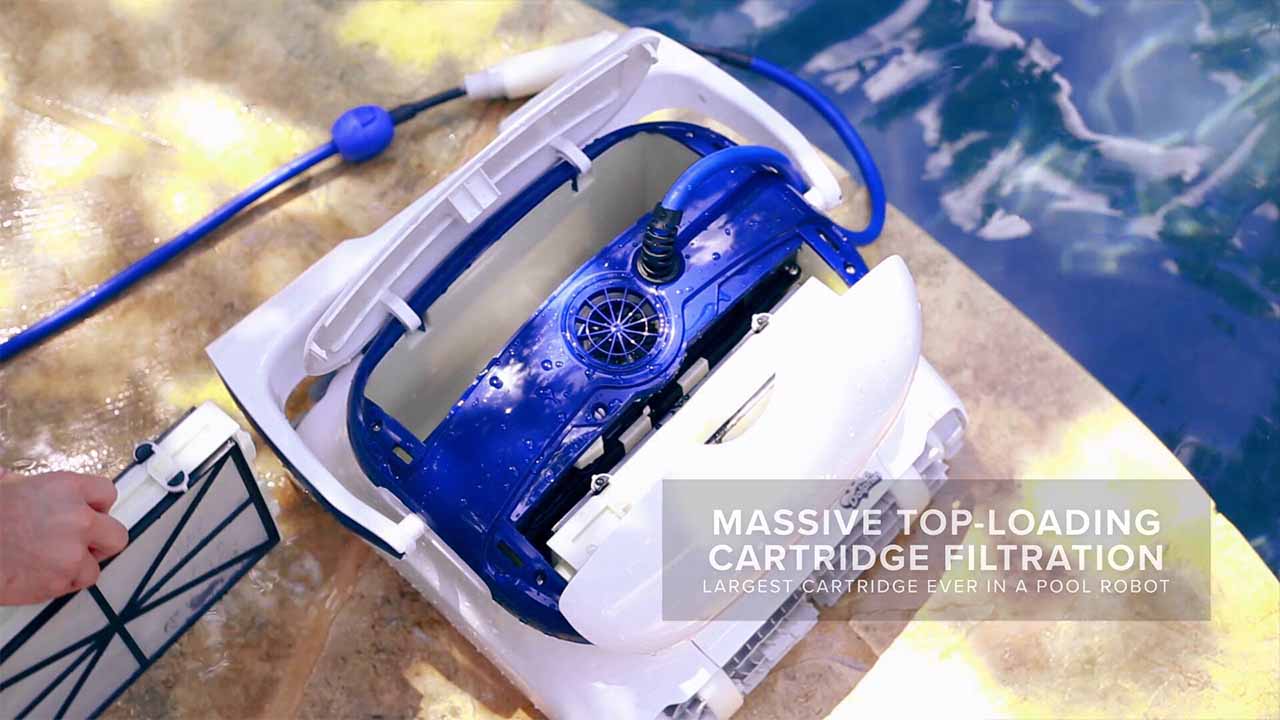
It will not empty the filter. An alert tells you the filter is full. Your hands still lift the robot out, open it and rinse the media. It will not put the robot in the water, or take it out before you add chemicals. It will not skim the surface or balance the water. And it does not make the robot clean better: the brushes, motors and filters do that, the same with or without a phone.
An app is also software. Expect updates, the occasional sign-in, and a phone that has to stay compatible. If that sounds like a chore, a timer on a power supply may suit you better.
The Premier, Cayman and Escape have no app and no wireless control. The Premier's power supply carries a weekly timer and a full-filter indicator. The Cayman's timer runs every day. The Escape has no timer as standard. None of that makes them lesser cleaners; the Premier matches the Sigma on coverage and on 4,500 GPH. They are simply the wrong answer to the question this page asks. If you decide you do not need a phone in the loop, compare all five robots instead.
Owners ask
The cleaning does not depend on the internet. The app features do. During an outage the Sigma can still be reached over Bluetooth from the poolside, and the Quantum's weekly timer on the power supply carries on without the app. What you lose is control from a distance until the network returns.
That is what WiFi is for. With the power supply on your home network and the robot already in the pool, a cycle can be started from the app wherever your phone has a connection. The robot has to be in the water first, and the filter should have been emptied after its last run.
Yes, the Quantum. Its myDolphin Plus app handles start, stop, scheduling, cleaning modes and alerts over WiFi, and its power supply has a weekly timer with three presets: every day, every 2 days or every 3 days. The timer works whether or not a phone is involved.
No. The Premier has no app and no wireless connection. Its weekly timer and its full-filter indicator are on the power supply. For that level of cleaning with phone control, look at the Sigma: equal coverage and flow, plus the app, a third motor and two more brushes.
On the Sigma, yes: a filter alert appears in the app. The Quantum's app also sends alerts. Either way the alert is information, not action. Someone still has to lift the robot out and rinse the filter, and a schedule keeps starting cycles into a full filter until that happens.
The verdict
First decide whether you would use an app every week. If not, you do not need a robot from this page. If you would, choose by connection and by robot. WiFi plus Bluetooth, day-and-time scheduling and the strongest cleaner in this guide: the Sigma. WiFi control with a timer on the power supply, for less: the Quantum. Then check the signal at the outlet, because that decides whether either app works on day one.
Keep reading