Dolphin Sigma
$2999 $2349 SALE Save $650
Temporarily out of stock


By feature
Top pick: Dolphin Sigma
$2349 today · Free shipping
A timer cleans the pool whether or not anyone remembers. Four Dolphins have one built in, and no two of them work quite the same way.
The short answer
For a robotic pool cleaner with weekly timer control, we rank the Dolphin Sigma first: its scheduler sets cycles by day and time from the myDolphin Plus app. For a timer that needs no phone, the Dolphin Premier and the Dolphin Quantum offer every day, every 2 days or every 3 days on the power supply. The Dolphin Cayman keeps it to one setting, every day.
The point of a weekly timer is that the pool gets cleaned in the weeks you forget. The robot stays in the water, starts itself, runs its cycle and waits for the next one. A robotic pool cleaner with weekly timer control sounds like a single feature. It is really three different ones, depending on the robot.
Some timers repeat on an interval. One repeats every day and nothing else. One is a true weekly calendar, where you choose the days and the hour. Which is best depends on whether you want to choose or just want it done. Either way, one job stays manual: a timer starts cycles, and it does not empty the filter between them.
The ranking
$2999 $2349 SALE Save $650
Temporarily out of stock
A true weekly calendar
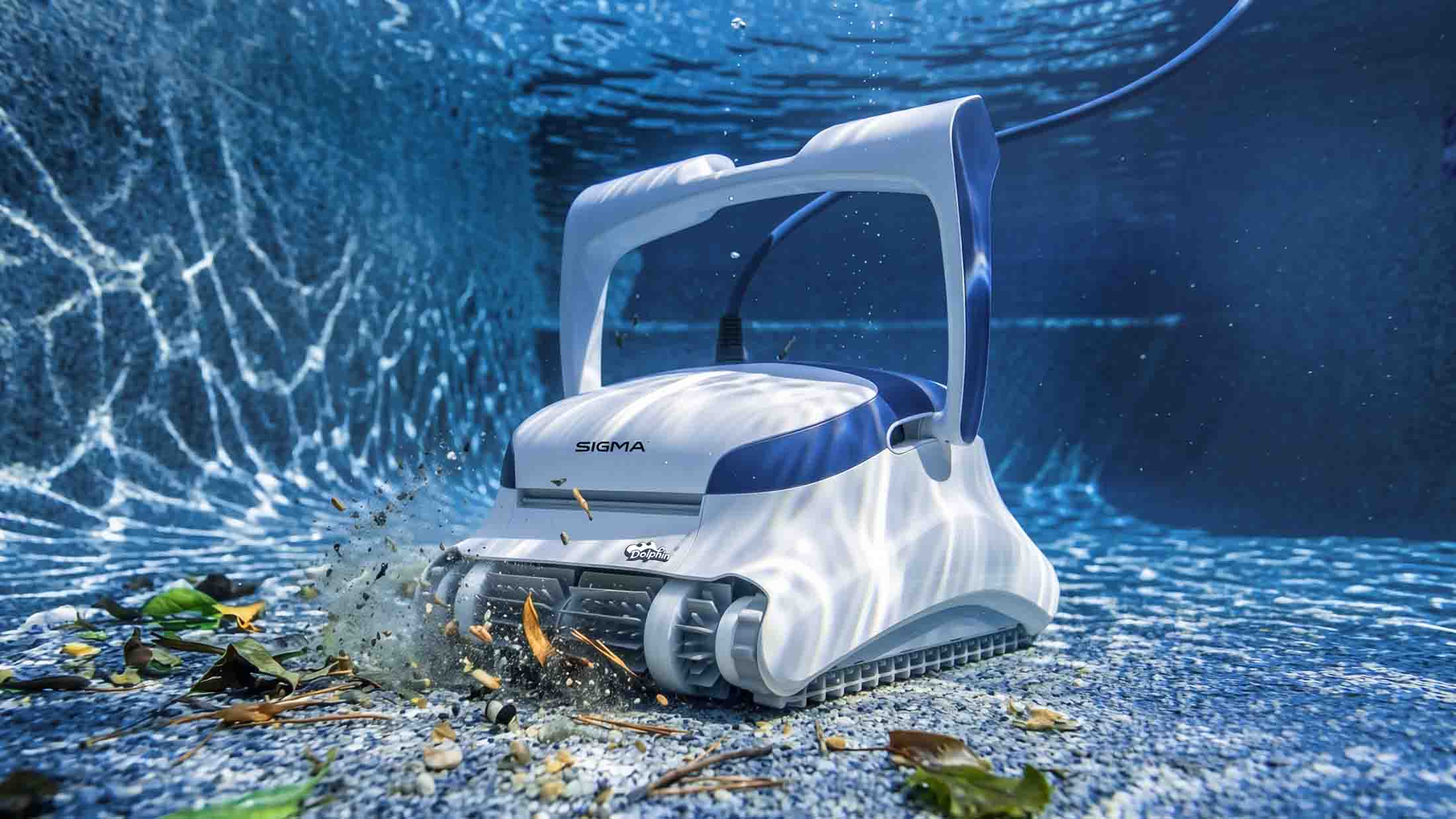
The Sigma's timer is the one in this guide that works like a calendar. In the myDolphin Plus app, over Wi-Fi or Bluetooth, you choose which days it runs and at what time. Monday, Wednesday and Friday stay Monday, Wednesday and Friday, at the hour you chose.
Each scheduled cycle is 2.5 hours of three-motor, quad-brush cleaning across floor, walls and waterline, in pools up to 50 ft. When the NanoFilters or standard cartridges need rinsing, the app sends a filter alert.

$2499 $1949 SALE Save $550
Temporarily out of stock
Simplest timer, no phone
The Premier's weekly timer lives on the power supply, with three presets: every day, every 2 days or every 3 days. There is no account, no pairing and no signal to worry about, which makes it the easiest timer here to live with. Each cycle runs 3 hours across floor, walls and waterline.
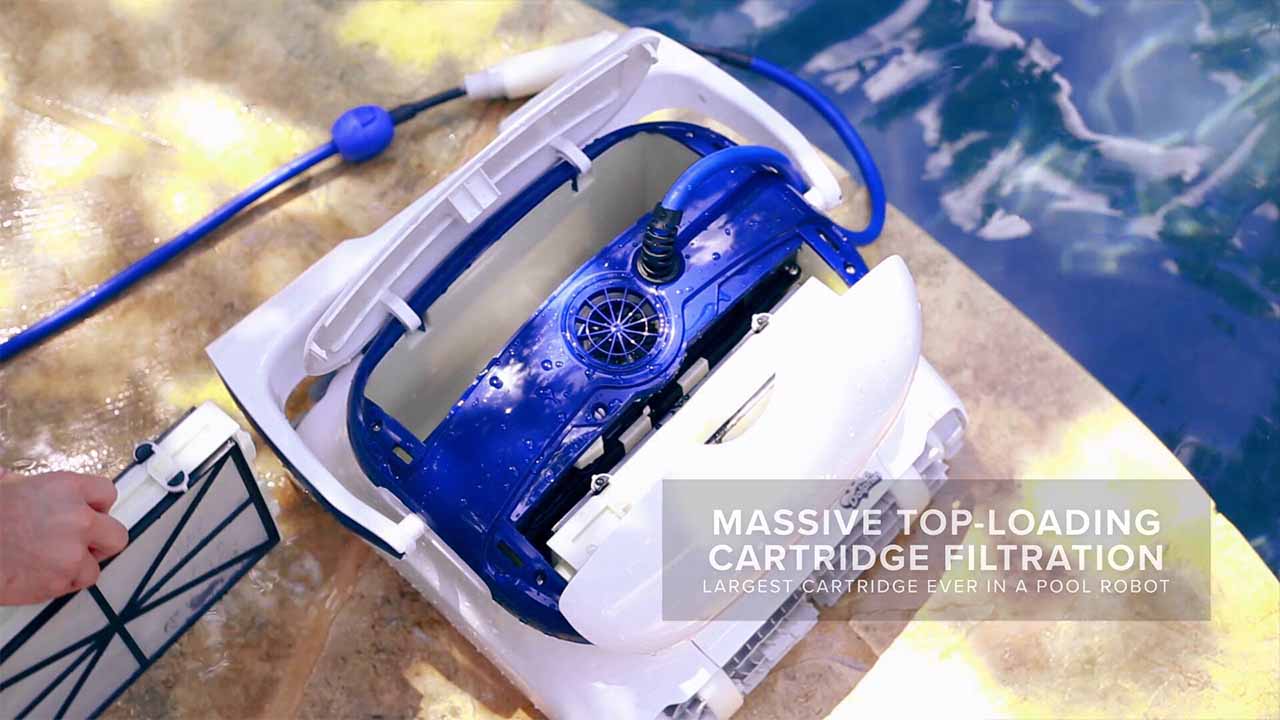
For a robot left to run on its own, filtration matters as much as timing. The Multi-Media system includes an oversized leaf bag for heavy weeks, and a full-filter indicator on the power supply shows when to empty it.

$1799 $1599 SALE Save $200
Temporarily out of stock
Timer and app in one robot
The Quantum gives you both methods. The weekly timer on the power supply offers three presets: every day, every 2 days or every 3 days. The myDolphin Plus app, over Wi-Fi, adds scheduling, start and stop, cleaning modes and alerts. Use the timer alone and it behaves like a no-phone robot. Add the app when you want more control.
Cycles are 2 hours, and the XXL MaxBin basket, over 400 square inches of filter area, gives a timed robot room to collect between emptyings. It is the lowest-priced 50 ft robot in this guide.

$1299 $1049 SALE Save $250
Temporarily out of stock
One setting: every day
The Cayman's timer does one thing. Switch it on at the power supply and the robot cleans every day, with no interval to choose and no phone. For a pool up to 33 ft that collects something daily, that is the right setting anyway.
Each cycle takes 2 hours and covers floor and walls. The MaxBin basket empties through a top hatch with one tab, which keeps the weekly rinse quick. It is the lowest-priced pick on this page.
The criteria
An interval timer repeats every day, every 2 days or every 3 days. A calendar scheduler lets you name the days and a start time. A daily timer has no choice to make. Know which of the three you are buying.
The Premier, Quantum and Cayman timers are set on the power supply and need no phone. The Sigma's scheduler is set in the myDolphin Plus app. Decide whether a phone is a convenience to you or one more thing to manage.
A timer keeps starting cycles into a full filter. The Premier shows a full-filter indicator on the power supply. The Sigma sends a filter alert in the app, and the Quantum's app sends alerts too. With the Cayman, check the basket on a fixed day.
Light debris and a screened pool can go 3 days between cycles. Trees overhead, daily swimmers or blowing dust want every day. A timer with more settings lets one robot follow the seasons.
On paper
| Specification | Dolphin Sigma | Dolphin Premier | Dolphin Quantum | Dolphin Cayman |
|---|---|---|---|---|
| Price today | $2349 | $1949 | $1599 | $1049 |
| Cleans | Floor, walls and waterline | Floor, walls and waterline | Floor, walls, waterline, sun shelves and stairs | Floor and walls |
| Scheduling | Weekly scheduler by day and time | Weekly timer: every day, every 2 days or every 3 days | Weekly timer: every day, every 2 days or every 3 days | Timer: every day |
| App | myDolphin Plus (Wi-Fi and Bluetooth) | No app; controls on the power supply | myDolphin Plus (Wi-Fi) | No app; controls on the power supply |
| Filtration | NanoFilters and standard filter cartridges | Multi-Media: NanoFilters, oversized leaf bag and standard fine filters | XXL MaxBin basket with standard and NanoFilter panels | MaxBin basket with fine panels; NanoFilter panels optional |
| Brushes | Quad scrubbing brushes | Dual scrubbing brushes | Dual HyperBrush | HyperBrush |
| Navigation | SmartNav 3.0 with gyroscope | SmartNav 2.0 | SmartNav 2.0 | SmartNav 2.0 |
| Cable | 55 ft with 360° anti-tangle swivel | 55 ft with 360° anti-tangle swivel | 55 ft with anti-tangle swivel | 50 ft |
| Warranty | 3 years | 3 years | 2 years | 2 years |
The table sets out the four built-in timers and the one optional upgrade. In a seven-day week, every day means seven cycles, every 2 days means three or four, and every 3 days means two or three.
The interval timers count in days, not in weekdays or clock times. The Sigma's scheduler is the one that holds a cycle to a named day. The Escape is not a pick here because it has no timer as standard, though an Automation Timer power supply can be added.
| Robot | Timer | Choices | Set on |
|---|---|---|---|
| Sigma | Weekly scheduler | Chosen days and start time | myDolphin Plus app |
| Premier | Weekly timer | Every day, every 2 days, every 3 days | Power supply |
| Quantum | Weekly timer, plus scheduling in the app | Every day, every 2 days, every 3 days | Power supply or app |
| Cayman | Daily timer | Every day only | Power supply |
| Escape | None as standard | Optional Automation Timer: every 24, 48 or 72 hours | Optional power supply |
Scheduling removes the remembering, not the maintenance. Every cycle adds to what is already in the filter, and a loaded filter means weaker suction and a robot that stops climbing walls. Lift the robot out at least once a week to empty and rinse the filter, and more often when leaves are falling. The Sigma's alert in the app and the Premier's indicator on the power supply tell you when it is due.
Match the routine to the debris. If the filter is packed at each weekly rinse, empty it twice a week instead of cutting cycles. If it comes out nearly empty, the pool can probably run on a longer interval.
Robots with a timer are made to stay in the water between scheduled cycles. It is not permission to forget the robot. Take it out before shocking the pool or adding chemicals, and put it back when the water has returned to its normal range. If the pool will sit unused for a long stretch, store the robot out of the water and out of direct sun.
A timer also needs power all week. Plug the power supply into an outlet that stays live, not one on a wall switch that someone will turn off.
Owners ask
Not on three of the four picks. The Premier, Quantum and Cayman timers are set on the power supply and need no phone or Wi-Fi. The Sigma's weekly scheduler is set in the myDolphin Plus app, which connects over Wi-Fi and Bluetooth. If you would rather never pair a phone, choose one of the first three.
Yes, between scheduled cycles. That is what a timer robot is built for. Lift it out at least weekly to empty and rinse the filter, and always before shocking or adding chemicals. Leaving it in for months without attention is not the idea.
Yes, as an upgrade. The Escape has no timer as standard. An optional Automation Timer power supply runs it every 24, 48 or 72 hours. If you already know you want timed cleaning, compare the price of the Escape plus that upgrade with the Cayman, which has a daily timer built in.
Yes. The robot and the pump do different work. The robot collects debris from the floor and walls with its own motors and filter. The pump circulates water and carries sanitizer around the pool. Timing one does not replace the other.
Not for the robot's design; the Cayman's timer does nothing else. Daily cycles do mean more hours on brushes and tracks, which are wear parts, and more frequent filter rinsing. If the filter comes out nearly empty each time, a longer interval on the Premier or Quantum, or fewer scheduled days on the Sigma, cleans the pool just as well.
The verdict
Ask how much you want to decide. Named days and a set hour: the Sigma. An interval set once on the power supply, with the widest choice of filter media: the Premier. The same interval timer with an app in reserve, at a lower price: the Quantum. Every day, no decisions, pool up to 33 ft: the Cayman. Then pick a filter day, because the one thing no timer here does is empty what it collects.
Keep reading